Back to Resources
TechnologyMay 22, 20265 min read

How Hubject RFID Integration Actually Works (a 5-Step Walkthrough)

What happens between a card tap and a charging session when your network roams through Hubject — and the specific UID and provisioning details that decide whether the tap succeeds.
How Hubject RFID Integration Actually Works (a 5-Step Walkthrough)

If you're running a Charge Point Operator (CPO) network or an e-Mobility Service Provider (eMSP) and you want your customers' cards to work outside your home territory, you're going to be integrating with Hubject. Most operators we work with come to us after they've already signed up with Hubject and are now staring at the OICP specification trying to figure out what the card itself needs to do.

This is the practical walkthrough: what happens between a driver tapping their card and a charging session starting, where your card supplier sits in that chain, and the specific details that decide whether the tap actually succeeds.

The 5-Step Flow

When a driver of yours taps an RFID card at a Hubject-roaming charger on another CPO's network, this is what happens:

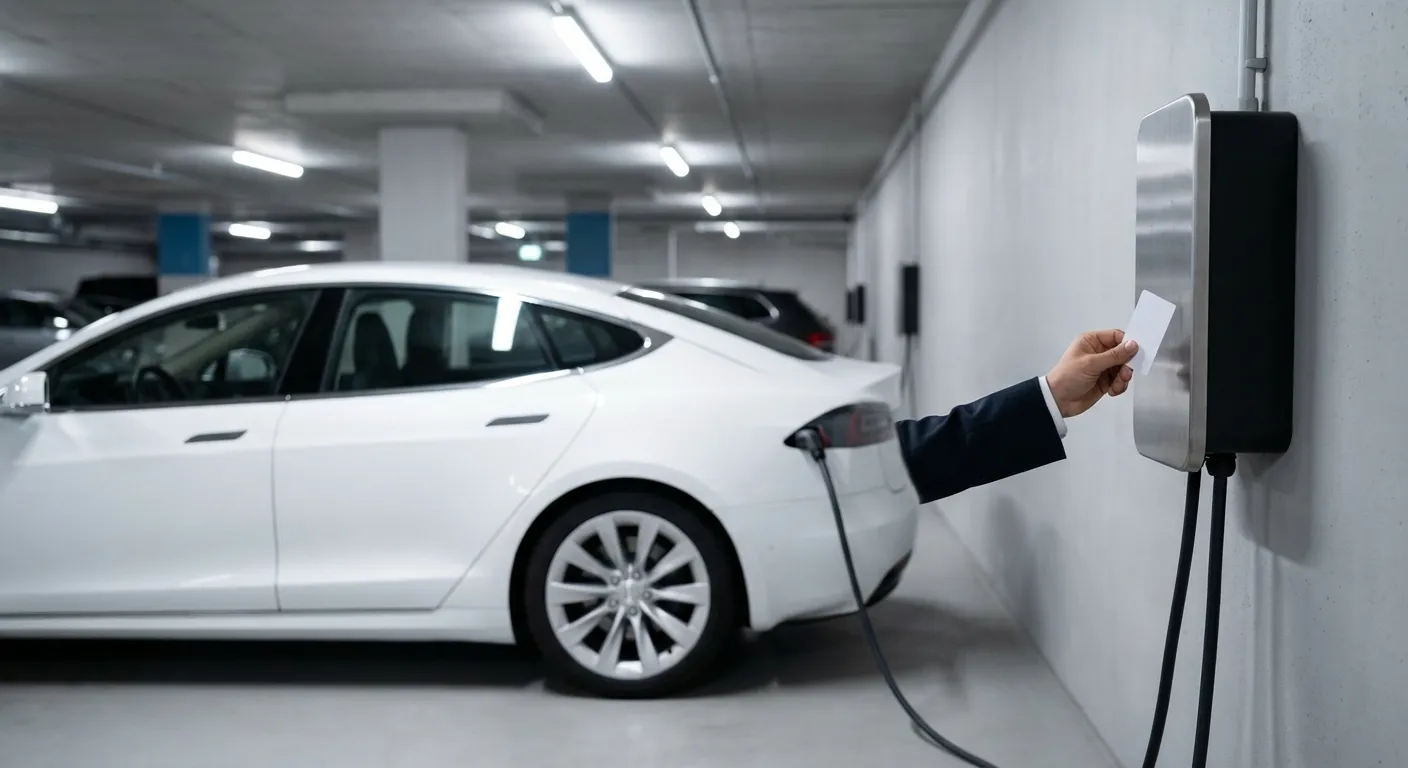
1.Card tap.: The driver presents the card to the charger's RFID reader. The reader pulls the chip's UID — the factory-set unique identifier, 4 or 7 bytes depending on the chip family.
2.CPO sends the UID to Hubject.: The host CPO's backend doesn't know who this card belongs to. It packages the UID into an OICP AuthorizeStart request and forwards it to Hubject. The request includes the CPO's own ID, the EVSE ID (the specific charge point), and the UID.
3.Hubject forwards the UID to your backend.: Hubject acts as the clearinghouse: it knows that this UID belongs to your eMSP based on the OICP EvcoIDs and provider-ID mappings you've registered. It forwards the authorization request to your CPO/eMSP endpoint.
4.Your backend authorizes (or rejects).: Your backend looks up the UID in your user database, checks whether the account is in good standing, optionally applies any tariff rules, and returns an authorization decision — Authorized with the contract ID, or NotAuthorized with a reason code.
5.Hubject confirms back to the CPO.: The host CPO receives the authorization, the charger unlocks, and the session begins. Charging data and final billing settle through Hubject after the session ends.

The whole chain typically completes in under a second. When it fails, it's almost always at one of two points: the UID format on your card doesn't match what your backend expects, or the provider-ID mappings in your Hubject account don't include the chip range you're issuing.

What the Card Itself Needs to Do

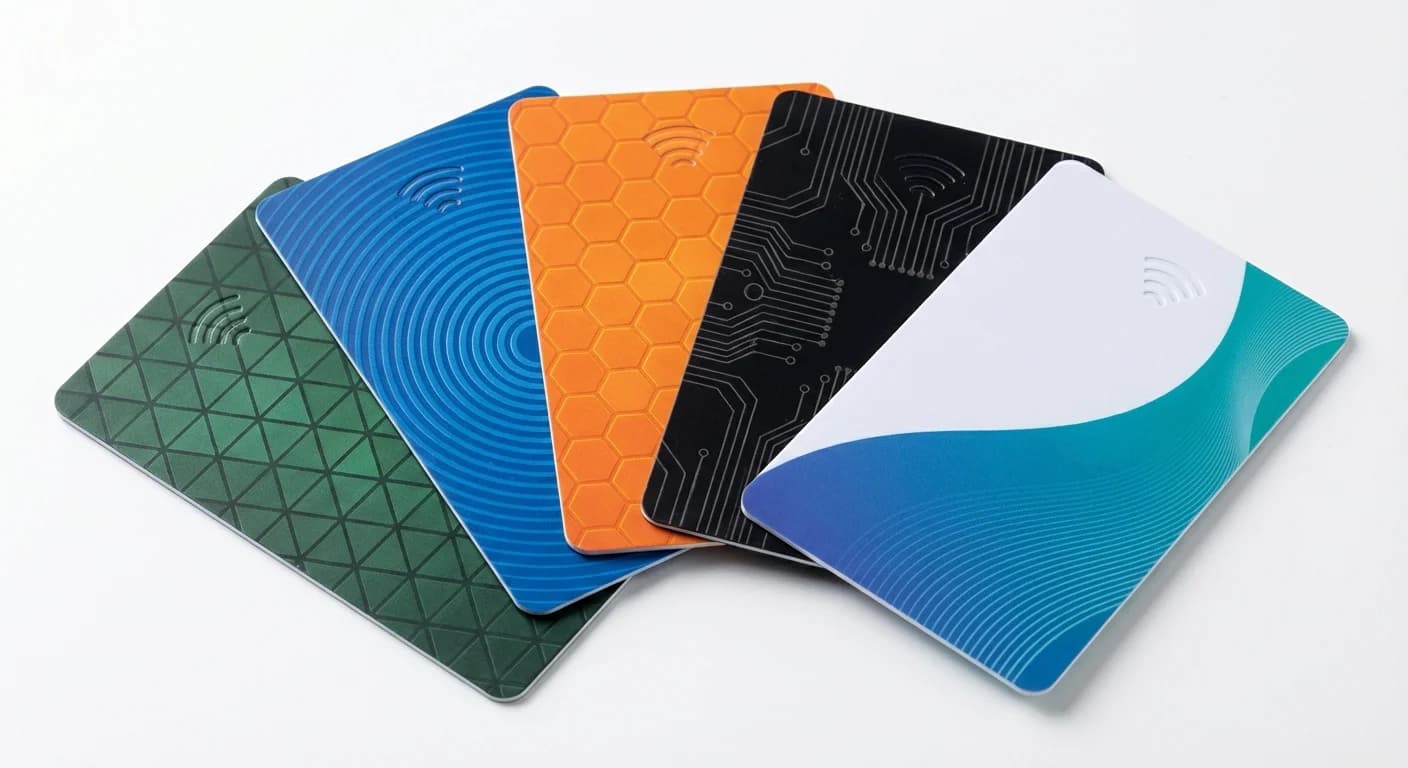
The card's job in this flow is small but specific: present a UID that your backend will recognise. That sounds trivial until you start issuing cards across multiple chip families and notice that your database key length is hardcoded.

A few decisions need to be made before the first batch ships:

UID length.: MIFARE Classic returns a 4-byte UID. Ultralight EV1 and DESFire EV2/EV3 return 7-byte UIDs. Hubject's OICP 2.3 spec accepts both 4-byte and 7-byte UIDs (as well as 10-byte), so the choice doesn't lock you out of the roaming hub — but your own backend database column needs to be wide enough to store whichever format you pick. If you might mix chip families later (a basic card on Ultralight EV1, a premium fleet card on DESFire), use a VARCHAR(20) or equivalent and normalize to hex strings.
UID-to-customer mapping.: When we manufacture a production run, we hand over a CSV that maps each card's UID to a customer-facing card number (or sequential ID, or any field you specify). That mapping is what you load into your user database before activating the cards. Without it, you'd have to physically read every card to populate your DB — a non-starter at production volumes. We deliver this CSV at no extra charge.
Personalization.: The customer-facing card number is what your customer service team will ask the driver to read out when they call. We can laser-engrave or print this number on the card itself. For EV charging specifically, laser engraving is more durable than print — the card lives in wallets and pockets for years.
Pre-configuration.: Some operators want the card to ship with cryptographic keys already loaded for a specific application. We handle this in the production run; you supply the key material and the application IDs, we provision them onto each card before personalization. This matters more for DESFire deployments than Ultralight EV1.

Common Failure Modes (and How to Avoid Them)

A short list of integration issues we've seen:

The card's UID format doesn't match the backend.: Solution: confirm 4-byte vs 7-byte before the first production batch, and don't trust documentation — physically tap a sample on your test backend before placing the order.
The UID range isn't registered with Hubject under your provider ID.: Solution: register the chip UID range in your Hubject portal before going live, not after.
Authorize round-trip too slow.: Solution: most often this is a backend latency issue, not a card issue. The card-to-charger handshake is fast. If you're seeing >3 second delays, profile your CPO/eMSP backend response time.
Customers receive cards but they don't appear in the user database.: Solution: load the UID-to-customer CSV into your DB *before* shipping cards to end users. Sounds obvious; trips up most operators on their first batch.

What to Specify When You Order Cards

If you're about to scope a card order with us (or any card supplier), the spec sheet that makes Hubject integration painless looks like this:

Chip family (Ultralight EV1 / DESFire — see [our chip guide](/resources/which-rfid-chip-for-ev-charging/) for the choice)
UID length you want returned (4-byte legacy / 7-byte standard)
Whether you need DESFire applications pre-provisioned (and the key material, if so)
The CSV format you want for UID-to-customer-number mapping (column order, separator, encoding)
Whether the customer-facing number should be laser-engraved, printed, or both

Get those five things right and the Hubject flow becomes a configuration exercise rather than a debugging exercise.

What to Do Next

If you're at the stage of comparing chip families before you commit, read Which RFID chip is right for EV charging? for the framing we'd suggest. If you already know the chip and want to see one in person, request a sample pack — we ship Ultralight EV1, DESFire, and recycled-PVC samples in one go, and your dev team can read the UIDs into your Hubject test environment before any commitment.

Or tell us what you're integrating — chip preference, target volume, roaming hub, deployment country — and we'll come back with a buildable spec and the CSV format ready to drop into your backend.

Share:

Ready to Go Green with Your Charging Network?

Contact us to learn how our sustainable RFID cards can enhance your EV charging infrastructure.

How Hubject RFID Integration Actually Works (a 5-Step Walkthrough) | ChargeRFID